
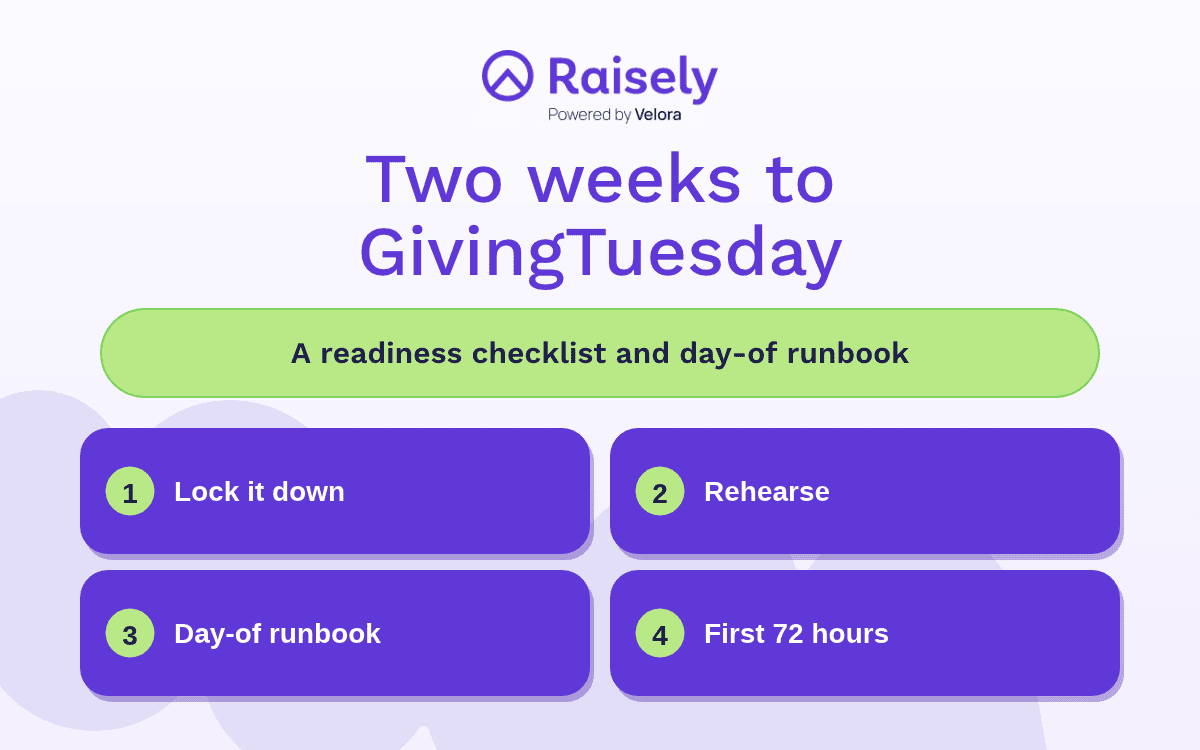

GivingTuesday falls on Tuesday, December 1 this year. With two weeks to go, most teams already have their story, their ask, and their audiences lined up. What trips nonprofits up now isn’t strategy. It’s execution: a broken link in the launch email, an untested thank-you message, or a December 31 gift that arrives in January with no clear rule for receipting it.
Here’s the operational side: what to lock down in the next 14 days, how to run the day, and the back-office details that decide whether GivingTuesday donors stay with you.
Days 14 to 8: Lock it down
- Set a content freeze. Pick a date (Tuesday, November 24 works well) after which copy and design changes need sign-off from one named person.
- Build one campaign sheet. List every email, social post, text message, and page with its send time, owner, link, and status.
- Give as a donor would. Make real gifts on a phone and a laptop, one-time and monthly. Follow each one through to the receipt and thank-you email.
- Tag every link. Add UTM parameters to campaign links so you can see which channels drive gifts while there’s still time to adjust.
- Check your receipts. If you’re a registered charity, confirm your receipt template, signature, and donor name and address fields against the Canada Revenue Agency’s guidance on issuing official donation receipts.
- Check your email permissions. The CRTC’s CASL FAQ explains that commercial electronic messages sent by or on behalf of a registered charity are exempt when their primary purpose is raising funds. That exemption doesn’t extend to nonprofits that aren’t registered charities, or to messages that encourage people to buy from a sponsor. If you’re unsure, review your consent records now.
Days 7 to 1: Rehearse
Assign day-of roles. Even small teams should write these down:
- Campaign lead: makes the calls and approves changes
- Sender: schedules and sends emails and texts
- Community manager: replies to comments, messages, and shares
- Donor care: monitors the inbox and phone, and handles failed payments
- Data lead: pulls totals at set times and flags what’s working
- Thank-you crew: board members and staff who will call or record short videos for donors
Write the “what if” plan. Agree in advance what happens if your donation page goes down (a backup link and holding message), your match is met by noon (a pre-written “we did it, now help us go further” email), you’re behind at mid-afternoon (an honest progress update), or a negative comment or news story lands (who responds, and when you pause scheduled posts).
Pre-write your updates. Draft the morning launch, midday progress note, evening last call, and next-day thank-you, with placeholders for totals.
Brief your champions. Send peer-to-peer fundraisers, board members, and volunteers a one-page run of the day: when to share, what to say, and where to link.
Do a 30-minute dry run, including one “what if” scenario.
GivingTuesday: A simple runbook
Canada spans six time zones, so schedule in your audiences’ local time: an 8 p.m. last call in Halifax lands at 4 p.m. in Vancouver.
- Before 8 a.m.: Check the page, form, and totals.
- Morning: Send the launch email, publish your first post, and nudge your champions to share.
- Midday: Share progress and one short story or photo. Reply to every comment.
- Afternoon: Review your data. Which channel is converting? Shift effort there, and resend to people who didn’t open, with a new subject line.
- Evening: Send your last call, with a later send for western supporters.
- Before signing off: Thank everyone publicly, even if final totals are still coming in.
One rule keeps the day calm: check in at set times, and let the campaign lead make the decisions.
The first 72 hours after
- Within 24 hours: Make sure every donor gets a thank-you that sounds like a person wrote it. Spot-check that automated receipts actually went out.
- Within 48 hours: Have your thank-you crew call or send short videos to first-time and larger donors. Three lines is enough: who you are, thank you, and what their gift will do.
- Within 72 hours: Clean your data. Merge duplicate records, tag GivingTuesday donors and their source, record consent choices, and follow up on failed payments.
- Report back before you ask again. Tell supporters what you raised and what it will make possible. Then move into your December plan.
Before December 31: Settle your year-end rules
- Write down your cut-off rules. The CRA considers the date of donation to be the date the charity actually receives the gift, except for mailed gifts, where the postmark date counts (keep the envelope). That means an online gift completed on January 1 belongs to the new tax year. Say clearly in your final-week messages when gifts need to be completed.
- Staff the holidays. Name who will watch donations, the inbox, and failed payments from December 24 to January 2.
- Confirm your receipting schedule. Decide whether you’ll receipt each gift as it comes in or send annual receipts, and tell donors which to expect.
Make it boring
The best GivingTuesday operation is a boring one: nothing breaks, everyone knows their job, and your energy goes to donors instead of fires.
If your team is stretched, AI tools can help with first drafts of subject lines, thank-you notes, and replies, as long as a person reviews everything and the relationship stays human. You can watch Raisely’s on-demand session with Tara Vecchio, Head of Digital & Delivery at Balanced Effect, The future of fundraising: AI as a tool for good, which looks at where AI can genuinely support fundraising teams without replacing human relationships and judgment. And if you still need a donation or peer-to-peer page before December 1, you can start a campaign for free.
Jesse Walsh is Director of Marketing at Raisely, part of Velora. Raisely helps nonprofits run online fundraising, from donation pages to peer-to-peer and GivingTuesday campaigns. Jesse works with fundraising and marketing teams to turn campaign plans into practical, donor-centred programs.
The views expressed in this article are the author’s alone and do not necessarily represent those of CharityVillage.com or any other individual or entity with whom the authors or website may be affiliated. CharityVillage.com is not liable for any content that may be considered offensive, inappropriate, defamatory, or inaccurate or in breach of third-party rights of privacy, copyright, or trademark.
